



TRASSIR app features and interface
You've set up your CCTV cameras and TRASSIR modules to protect your business premises, which improves your security, reduces the risk of break-ins and provides an easy-to-use interface on your computer to quickly add and access CCTV devices, including network cameras and alarms - just to name a few benefits. Great!
But installing your CCTV cameras and neuro-analytical modules is only one step. You need a flexible and convenient way to manage and monitor your video surveillance when you're on the go not only from your computer, but also from a mobile application.
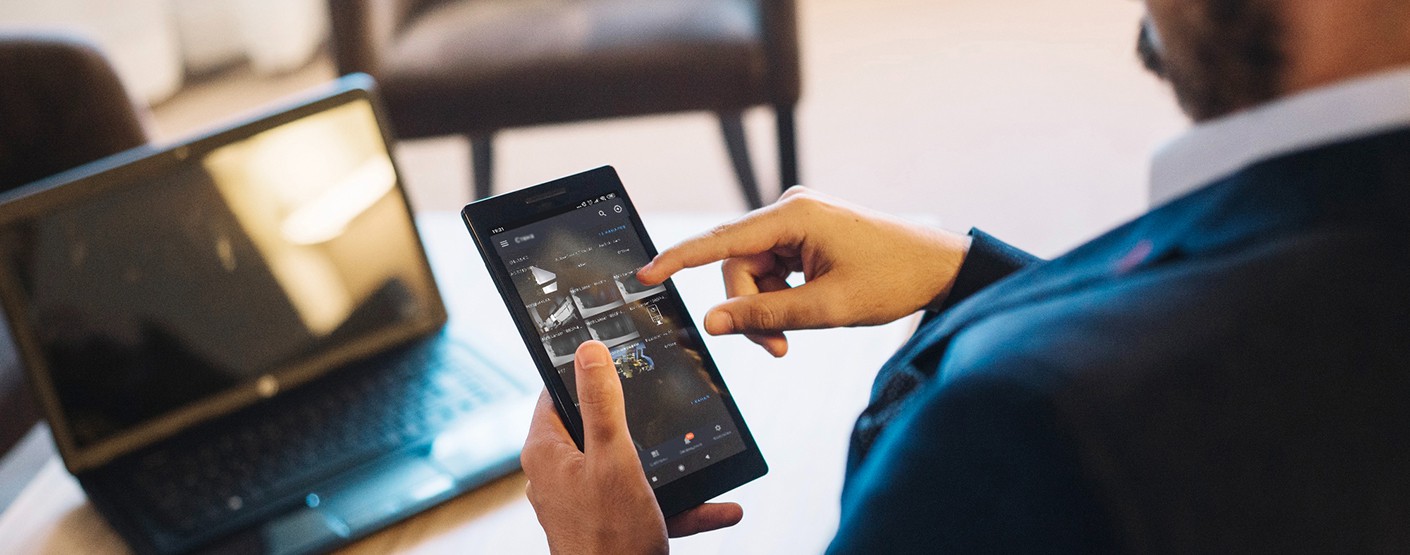
This is where the TRASSIR mobile app comes in. It gives you the freedom to effortlessly and remotely access your security video surveillance system anywhere in the world from your pocket just by opening the app.
TRASSIR app orchestrates a surveillance workflow by integrating with cameras, recording systems, storage infrastructure and video surveillance management analytics software. When our customers first get to know TRASSIR, our cameras and modules, they usually ask a fair question: Do you have a mobile app so I can see what's happening on the premises when I'm out and about?
Here in this article, we would like all of our new customers to get to know the TRASSIR application better, and we are ready to tell you all about it.
The TRASSIR mobile app for security cameras is the ultimate solution for remote control of your security video surveillance system. When you first open the app, you can start the registration process and add cameras, video recorders, ActiveCam and connect to TRASSIR Cloud through the Settings tab.
There is also a Live Video View screen with the following actions available:
• PTZ (Pan, Tilt, and Zoom) control and GPIO (general-purpose input/output) control;
• Private mode – in this mode the live stream will be turned off and video will not be saved to TRASSIR cloud archive;
• Receive audio from camera;
• Transmit audio to the camera via microphone;
• Save a screenshot (from device and video stream);
• View the archive on the device.
Also, there is a two-finger zooming available on the screen.
On the screen with a video fragment, you can rewind, pause/play or change the playback speed. If you click on the clock icon in the lower right corner, a calendar window will open to select the date and time of the fragment to be played.
You will be able to select and set the cases in which you want to receive notifications from the TRASSIR application. Also, you can also check the working status of each of the connected cameras through the app.
To summarize all of the above, one of the most important advantages of TRASSIR app are the following:
- You can receive alarm events for almost all TRASSIR video analytics modules on your mobile app;
- You can download archive snippets to your cell phone;
- Using the TRASSIR mobile app, you can remotely close and open alarm inputs and outputs of cameras or relays to open or close barriers, electromagnetic locks, etc.
It's easy to install, easy to use and cost-effective for any business, large or small to help manage and monitor its security.
For more information about TRASSIR and out TRASSIR app, please contact us, and we’ll be happy to help:
What's New?
All news
Fire prevention in crowded public spaces
Fire prevention in crowded public spaces

Premium retail store in Mumbai enhances customer insights with TRASSIR analytics
Premium retail store in Mumbai enhances customer insights with TRASSIR analytics

LIVE webinar: From retail challenges to retail intelligence — turning video data into actionable insights
LIVE webinar: From retail challenges to retail intelligence — turning video data into actionable insights

How AI video analytics can improve restaurant customer flow
How AI video analytics can improve restaurant customer flow
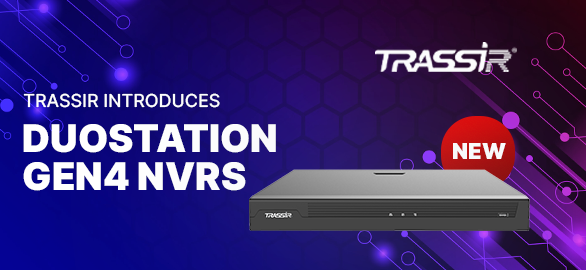
DuoStation Gen4 NVRs — scalable performance for modern video surveillance systems
DuoStation Gen4 NVRs — scalable performance for modern video surveillance systems

Centralized surveillance modernization for a premium jewellery retailer
Centralized surveillance modernization for a premium jewellery retailer
Detecting vandalism and property damage with real-time alerts
Detecting vandalism and property damage with real-time alerts

TRASSIR at Securex 2026 with neaMetrics
TRASSIR at Securex 2026 with neaMetrics

Ensuring guest safety in hotel lobbies and common areas
Ensuring guest safety in hotel lobbies and common areas

Monitoring playground and sports areas for children’s safety
Monitoring playground and sports areas for children’s safety
TRASSIR & ZNA Teknoloji at Retail Days İstanbul 2026: Powering the next era of smart retail
TRASSIR & ZNA Teknoloji at Retail Days İstanbul 2026: Powering the next era of smart retail
TRASSIR FMPA — secure your facility 24/7
TRASSIR FMPA — secure your facility 24/7
Protecting high-value industrial equipment from theft
Protecting high-value industrial equipment from theft

AI video insights for retail inventory management and loss prevention
AI video insights for retail inventory management and loss prevention
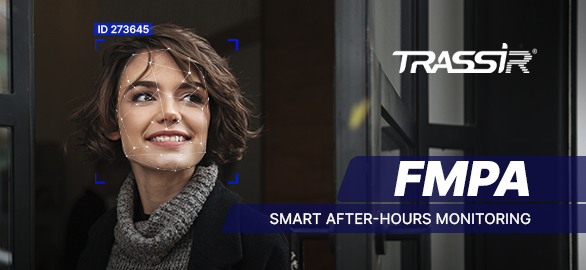
TRASSIR introduces FMPA — Face Match Passage Analysis
TRASSIR introduces FMPA — Face Match Passage Analysis

Improving visitor flow in museums and galleries with smart video analytics
Improving visitor flow in museums and galleries with smart video analytics
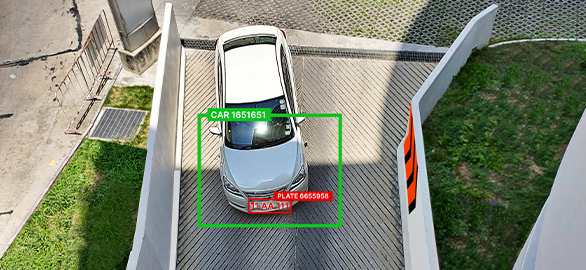
Why camera setup matters for license plate recognition — and how to get it right
Why camera setup matters for license plate recognition — and how to get it right

How video analytics help reduce workplace accidents in factories
How video analytics help reduce workplace accidents in factories
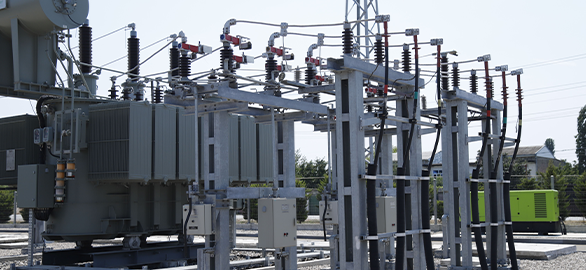
Industrial facility in the UAE enhances safety compliance with TRASSIR AI analytics
Industrial facility in the UAE enhances safety compliance with TRASSIR AI analytics
Try TRASSIR For Your Business
Learn more about how TRASSIR analytic modules work! Demo mode is an opportunity to see for yourself how the system works, and also check the interface and test all the functions.Success!
We will contact you as soon as possible