




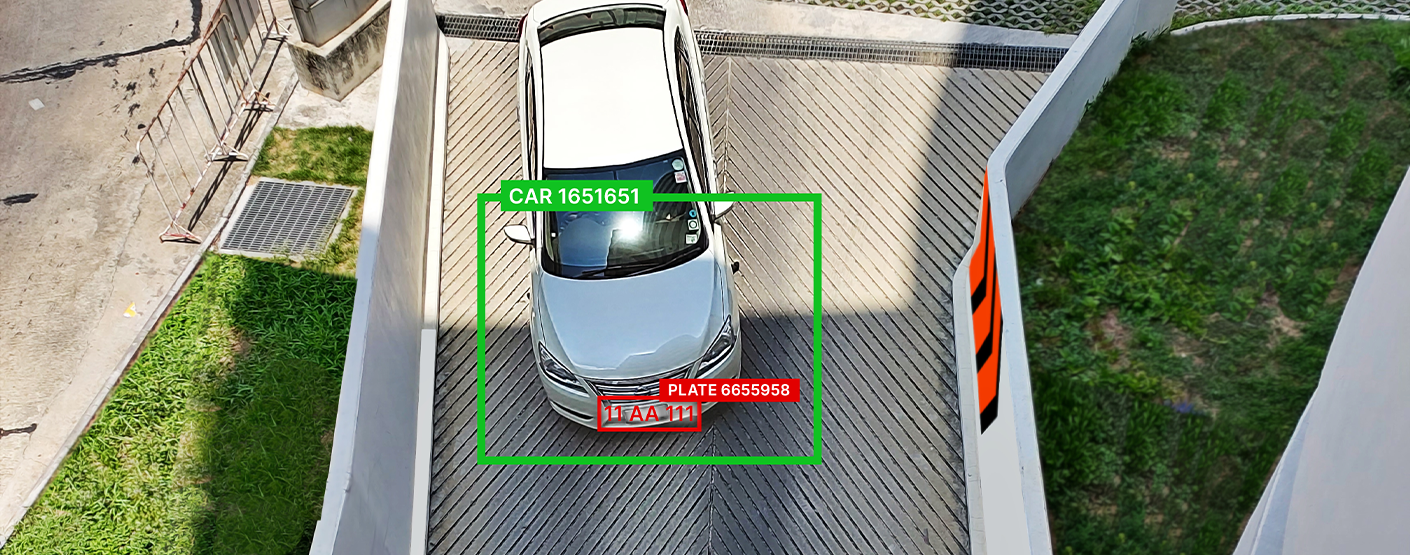
Why camera setup matters for license plate recognition — and how to get it right
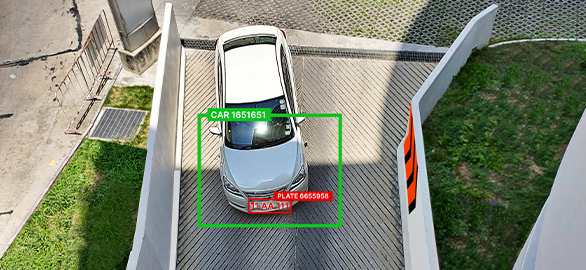
License plate recognition (ANPR) is widely used in retail, logistics, parking, and smart city projects. But even the most advanced analytics can fail to deliver accurate results if cameras are not set up correctly.
Studies show that camera configuration has a direct impact on recognition accuracy. In real-world deployments, systems that reach up to 99% accuracy in ideal conditions can drop to around 90% or lower due to poor angles, lighting, or incorrect settings. Research also indicates that optimizing camera setup can improve detection accuracy by up to 40%.
This means that the difference between a reliable system and a frustrating one often comes down to how the cameras are installed.
Understanding AutoTRASSIR
AutoTRASSIR is designed to automatically detect and recognize vehicle license plates in real time, turning video streams into structured data that can be used for access control, traffic monitoring, and security automation.
It integrates into video surveillance systems and works with a wide range of IP cameras, making it flexible for different environments. At the same time, like any analytics system, its performance depends not only on the software itself but also on the quality of the video input it receives.
Why camera setup matters
In practice, even small installation mistakes can significantly affect system performance.
Common issues include:
Many of these problems are not related to the analytics itself, but to how the camera is positioned and configured.
Introducing the AutoTRASSIR camera setup checklist
To help avoid these issues, we’ve created a practical AutoTRASSIR camera setup checklist.
This guide is based on real deployment experience and helps you:
Whether you are an integrator, installer, or end user, this checklist helps ensure your system works as expected from day one.
Download the AutoTRASSIR camera setup checklist and make sure your system delivers accurate and stable results.
What's New?
All news
Monitoring playground and sports areas for children’s safety
Monitoring playground and sports areas for children’s safety

TRASSIR & ZNA Teknoloji at Retail Days İstanbul 2026: Powering the next era of smart retail
TRASSIR & ZNA Teknoloji at Retail Days İstanbul 2026: Powering the next era of smart retail

TRASSIR FMPA — secure your facility 24/7
TRASSIR FMPA — secure your facility 24/7
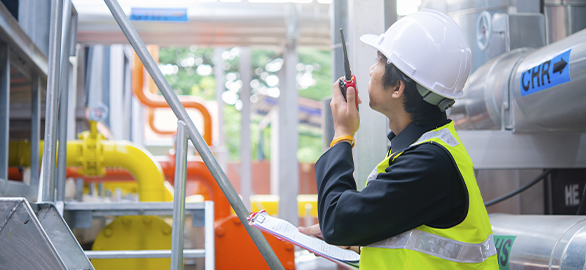
Protecting high-value industrial equipment from theft
Protecting high-value industrial equipment from theft

AI video insights for retail inventory management and loss prevention
AI video insights for retail inventory management and loss prevention
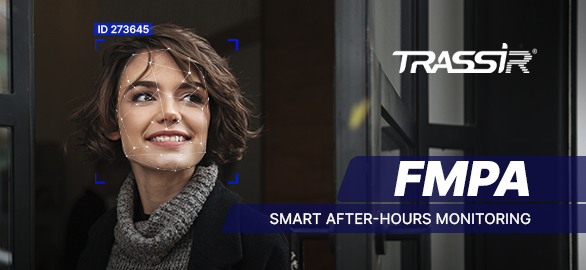
TRASSIR introduces FMPA — Face Match Passage Analysis
TRASSIR introduces FMPA — Face Match Passage Analysis
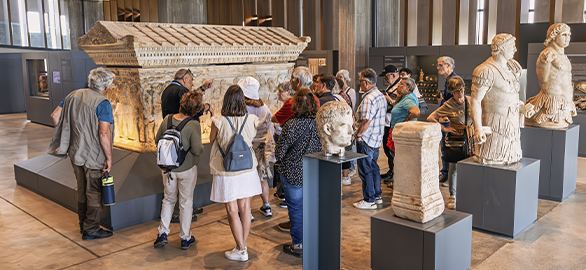
Improving visitor flow in museums and galleries with smart video analytics
Improving visitor flow in museums and galleries with smart video analytics
Why camera setup matters for license plate recognition — and how to get it right
Why camera setup matters for license plate recognition — and how to get it right

How video analytics help reduce workplace accidents in factories
How video analytics help reduce workplace accidents in factories
Industrial facility in the UAE enhances safety compliance with TRASSIR AI analytics
Industrial facility in the UAE enhances safety compliance with TRASSIR AI analytics
Predictive maintenance in real estate using video data
Predictive maintenance in real estate using video data

TRASSIR introduces Weight View — automated vehicle weight monitoring script
TRASSIR introduces Weight View — automated vehicle weight monitoring script

Preventing theft of high-value medicines in pharmacies
Preventing theft of high-value medicines in pharmacies
Food production facility enhances security with centralized TRASSIR surveillance
Food production facility enhances security with centralized TRASSIR surveillance
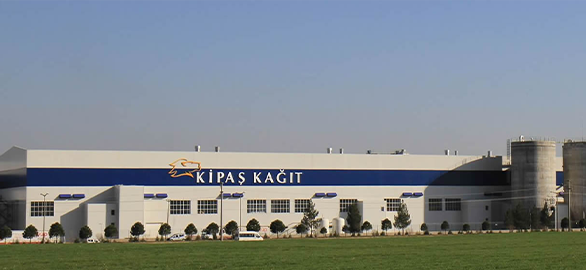
Kipaş Kağıt Fabrikası upgrades perimeter security with TRASSIR
Kipaş Kağıt Fabrikası upgrades perimeter security with TRASSIR

Combining POS and video analytics to reduce errors at the counter
Combining POS and video analytics to reduce errors at the counter
Leading textile manufacturer enhances security and operational efficiency with TRASSIR
Leading textile manufacturer enhances security and operational efficiency with TRASSIR

Leveraging video data to improve operational KPIs in real estate
Leveraging video data to improve operational KPIs in real estate
Industrial safety monitoring with TRASSIR analytics in India
Industrial safety monitoring with TRASSIR analytics in India
Try TRASSIR For Your Business
Learn more about how TRASSIR analytic modules work! Demo mode is an opportunity to see for yourself how the system works, and also check the interface and test all the functions.Success!
We will contact you as soon as possible