




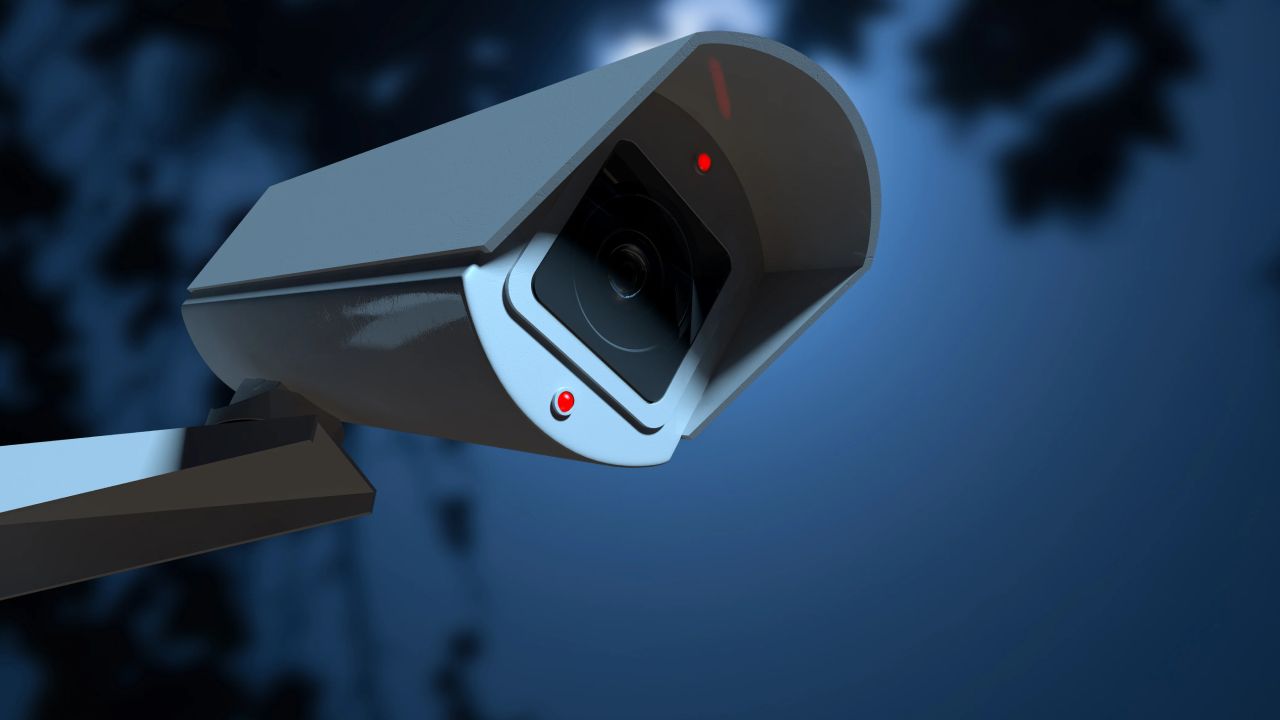
Troubleshooting Nighttime Flickering: Understanding Your Security Camera Issues
The surveillance camera system for your business is an essential element of your overall security strategy. When issues arise—such as a flickering feed during nighttime—it’s crucial to diagnose and address the problem swiftly to ensure the safety of your workplace, equipment, and employees. Understanding the underlying causes of these nighttime disruptions can help you find the most effective solutions. Here are some common factors that may lead to flickering images from your security cameras after dark.
Just like any electronic device, a security camera system can experience operational issues due to inadequate or interrupted power supply. If you notice flickering images while reviewing footage at night, the first thing to examine is the power source.
Security cameras rely on infrared lighting to capture images in low-light environments. If your cameras have a depleted battery, their infrared lights might not receive sufficient power to function effectively. Ensure that your system is connected to a dedicated power source rather than a power splitter, which can diminish the power supplied to your cameras. Our technicians can assess whether your system is properly powered and can provide assistance in establishing a dedicated power line if needed.
Consistent lighting is vital for a camera’s performance in capturing clear images. At night, sudden bursts of light from headlights or flashlights can disrupt your security camera’s ability to maintain a steady image.
Since nighttime cameras utilize infrared technology to produce clear images under low-light conditions, bright lights can sometimes lead to flickering as the camera adjusts from infrared mode to regular light. Review your footage to pinpoint the specific times when flickering occurs. If changing light conditions are causing these issues, a straightforward solution could be to adjust the angle of your cameras or relocate them to minimize exposure to direct headlights.
Flickering images from your outdoor security cameras could indicate problems with damaged cables or connections. Malfunctioning equipment can lead to both power and data transmission issues, compromising image quality.
Inspect all connections leading to your cameras for any loose wires or those exposed to weather conditions. Cables that are not adequately shielded can quickly corrode or suffer other types of damage. We recommend installing outdoor connections in weatherproof boxes to protect them from environmental factors. If you discover any damaged components, replace them promptly and ensure that a weatherproof solution is in place to safeguard your security camera system from future issues.
It’s a reality that older security camera systems are more prone to malfunctions. If you’re facing issues with a newly purchased system, you may have inadvertently acquired faulty equipment.
All security camera systems have a finite lifespan, and once yours reaches that point, replacement becomes necessary. If you’ve confirmed that your cameras are receiving adequate power and that cables and connections are intact, it may be time to consider investing in new cameras, a replacement switch, or a new video recorder. If you have a functioning spare camera available, using it can help verify your diagnosis before making any new purchases.
If your new system is malfunctioning, contacting the manufacturer or installer for technical support is advisable. Most manufacturers offer warranties that cover defective equipment, providing options for refunds or replacements within a designated timeframe.
Articles
All articles
The Complete Guide to Retail Crowd Density Monitoring Using Video Analytics
The Complete Guide to Retail Crowd Density Monitoring Using Video Analytics

The Ultimate Guide to Occupancy Tracking Technology: Systems, Sensors, and Strategy
The Ultimate Guide to Occupancy Tracking Technology: Systems, Sensors, and Strategy
Maximizing Retail Performance: The Ultimate Guide to Heat Mapping Technology
Maximizing Retail Performance: The Ultimate Guide to Heat Mapping Technology
The Complete Guide to Deploying AI Video Analytics in Retail and Enterprise
The Complete Guide to Deploying AI Video Analytics in Retail and Enterprise

How to Design a Scalable Video Surveillance System for Multi-Site Retail
How to Design a Scalable Video Surveillance System for Multi-Site Retail

Upgrading Legacy CCTV: How to Integrate AI Without a Rip-and-Replace
Upgrading Legacy CCTV: How to Integrate AI Without a Rip-and-Replace

Upgrading Legacy CCTV: The Complete Guide to AI Security Camera Integration
Upgrading Legacy CCTV: The Complete Guide to AI Security Camera Integration
The Evolution of Video Analytics: How AI Transforms Security and Operations
The Evolution of Video Analytics: How AI Transforms Security and Operations

How AI Video Surveillance Solves Security Staffing Shortages and Reduces Costs
How AI Video Surveillance Solves Security Staffing Shortages and Reduces Costs

Maximizing Security System ROI: The Financial Case for Smart Surveillance
Maximizing Security System ROI: The Financial Case for Smart Surveillance

How to Calculate the ROI of a Business Security System
How to Calculate the ROI of a Business Security System
Master Multi-Brand CCTV Management: The Ultimate Guide to Brand-Agnostic Surveillance
Master Multi-Brand CCTV Management: The Ultimate Guide to Brand-Agnostic Surveillance

Strategic Guide to Retail Video Surveillance Migration: Upgrading Legacy Systems
Strategic Guide to Retail Video Surveillance Migration: Upgrading Legacy Systems

How to Reduce Commercial Security Costs Without Compromising Protection
How to Reduce Commercial Security Costs Without Compromising Protection

How to Reduce Retail Operational Costs With Video Analytics
How to Reduce Retail Operational Costs With Video Analytics

Security Staffing Optimization: The Complete 2026 Guide
Security Staffing Optimization: The Complete 2026 Guide

AI Retail Theft Prevention: How Smart Cameras Stop Shrinkage
AI Retail Theft Prevention: How Smart Cameras Stop Shrinkage

Modern Shopping Center Security Systems: The Complete Guide
Modern Shopping Center Security Systems: The Complete Guide
Video Management Systems Explained: Features, Benefits, and How to Choose the Right VMS
Video Management Systems Explained: Features, Benefits, and How to Choose the Right VMS

The Reality of the Single Pane of Glass: Achieving Unified IT Visibility
The Reality of the Single Pane of Glass: Achieving Unified IT Visibility
Try TRASSIR For Your Business
Learn more about how TRASSIR analytic modules work! Demo mode is an opportunity to see for yourself how the system works, and also check the interface and test all the functions.Success!
We will contact you as soon as possible